- The Neuron
- Posts
- 😺 Watch: ComfyUI Proves AI Art Is Not Zero Effort
😺 Watch: ComfyUI Proves AI Art Is Not Zero Effort
Make images & video w/ AI for free on your computer

Matthew Robinson
July 08, 2026

Click to watch on YouTube!
Welcome, humans.
Most AI image tools hide how these AI image models actually work (and then bill you for the privilege of their output). No wonder people think AI images are low effort.
ComfyUI lets you see it, control it, and turn it into a repeatable workflow.
In our latest podcast episode, Corey Noles and Grant Harvey talk with Yannik Marek, co-founder and original creator of ComfyUI, about how the open-source node-based workflow engine went from power-user playground to real production tool for images, video, VFX, games, and local AI workflows.

In our favorite part of the convo, we also talk about why good AI creative work still takes real skill… even when using AI. More on that below.
Our favorite moments:
(1:24) Yannik explains ComfyUI for noobs: a way to steer the model pipeline itself (which is why ComfyUI gives you more control than tools like Midjourney, Gemini, or ChatGPT image generation).
(3:18) The diffusion model explainer that makes “turning noise into an image” feel much less mystical.
(07:05) How chaining models together can unlock workflows that simple prompt boxes cannot touch.
(11:13) Why the ComfyUI team rebuilt its memory system so more people can run serious models locally.
(24:19) How VFX teams and movie studios are using ComfyUI, even when they do not always want to say so out loud.
(37:49) The hardware advice: spend on the best GPU and fast SSD you can, then keep RAM reasonable.
(48:12) LoRA fine-tuning, explained without turning your brain into node spaghetti.
(51:07) Why open-source video models are nowhere near topped out yet.
Why watch this? If you have only used Midjourney, Gemini, or ChatGPT images, this episode is a nice tour of the other side of visual AI: the part where you can inspect the gears, move the wires, and build a workflow you can repeat.
Watch and/or listen now: YouTube | Spotify | Apple Podcasts
Want to try ComfyUI yourself? Watch our explainer video!

Dive deeper with these resources:
Comfy official site — start here for the product overview.
Download Comfy Desktop — the easiest local setup path.
Comfy Cloud — run workflows on hosted GPUs instead of your own machine.
ComfyUI docs — the practical reference for workflows, nodes, cloud, and setup (you can give this to your agent to help you set it up).
ComfyUI GitHub — the open-source project itself.
Comfy MCP public beta — connects agents like Claude, Codex, Hermes, and Cursor to Comfy workflows.
Real quick: Want to see your AI-adjacent product or service show up right here, below these podcast promos? Click the button below to advertise to our 700K+ readers!

🔴 LIVE TOMORROW: GPT-5.6 Sol Goes Live
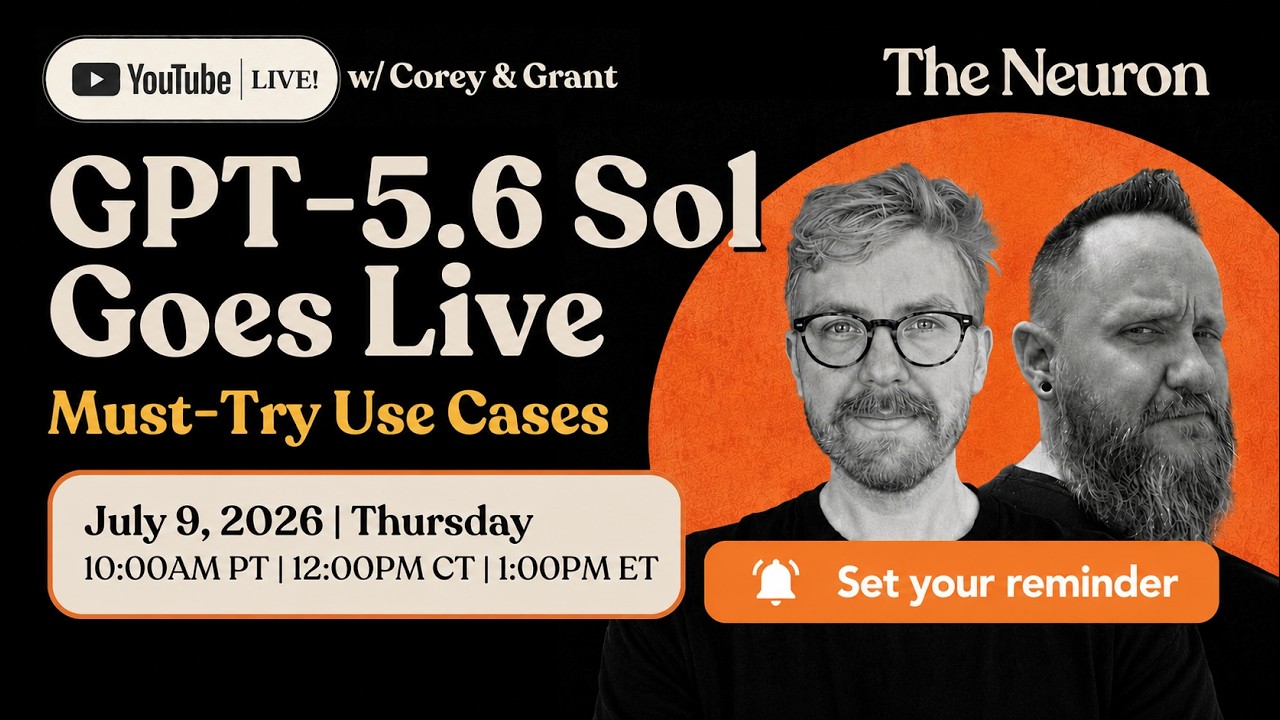
Click the image to set your YouTube reminder.
Tomorrow at 10AM PT, Grant and Corey are going live to test OpenAI’s new GPT-5.6 model family in real time: Sol, Terra, and Luna.
Instead of just reading benchmark charts, we are testing the jobs people should try first: building a mini-app from a messy product idea, refactoring a broken codebase, using Ultra mode as a project manager with subagents, automating one annoying weekly workflow, and running the same prompts against Fable.
OpenAI also announced a 10AM PT livestream earlier today for the next generation of ChatGPT Voice (expect more on that in tomorrow’s newsletter), so we will react to that too and talk through whether bidirectional voice finally makes voice AI feel work-ready.

Did Yannik just settle the AI art debate?

Click above to go straight to this section of the ep
As someone who is personally very wishy washy about AI art due to my love of human art, the best argument against “AI art is zero effort” may be watching someone explain how much control, iteration, taste, and technical setup go into serious visual AI work.
This is personal for Grant: living in Los Angeles, a lot of my friends are in the film industry. The anti-AI sentiment is here is real, especially among working professionals outside of the studio system.
It is seen, by and large, as a replacement for talent, and not only that, not so talented itself. What can I say, the film industry be catty.
Well, as Yannik said (27:31), people often hate AI art because the most visible examples are lazy, generic, and obviously machine-made.
Yannik’s point was that this is a lot like bad CGI (29:40): people notice and complain when it’s bad, but when it’s good, they may not notice it at all.
In Yannik’s opinion, AI should be used to increase quality, not just lower effort.
This is why we need to level up the conversation creatively from “AI vs anti-AI.”
We should consider instead whether the creator put in taste, iteration, craft, and most importantly, their own intent into their product. So far, the burden has been on the creator to prove they didn’t just “one shot” their end product to be taken serious.
Meanwhile, the burden of AI creative tools today should be to give creatives far more controllability to express their intent. Otherwise, what’s the point of machines making art? It should empower us, not take creativity away from us.
This is why we think ComfyUI sits on the high-effort side, because it is not just typing a prompt and accepting the first output. You are building workflows, chaining models, adjusting samplers, using masks, inpainting, fine-tuning, testing models, and making a lot of creative decisions.
So to me, the takeaway is: AI lowers the effort needed to reach a result, but high-quality AI results still takes effort. The difficult part is not letting AI set your intent for you (the taking the first answer and running with it problem), but that’s a problem for another day.
The best future use cases of AI art probably will not advertise “made with AI.” They will just be good movies, games, images, or tools where AI helped raise the quality or make something possible that would have been too slow or expensive before.
Think about how much more a small team (who uses these tools intentionally) can do today versus before these tools. We want more creative art, movies, and video games right? Clearly the big studios don’t want to make them.
So let’s give the same power the studios have (ungodly amounts of compute and visual effects, to name a few) to the people and let a thousand flowers bloom.

🎙️ In Case You Missed It…
Three recent episodes worth checking out next:
1. Worried your AI stack could vanish? Watch: Government Banning AI Fallout

Click to watch on YouTube.
TL;DW: Grant and Corey break down Fable 5’s relaunch and takedown, GPT-5.6’s limited rollout (jk its coming out tomorrow), and what happens when access to a model becomes a business risk.
Why you should watch: If your team depends on ChatGPT, Claude, Codex, or another frontier model, this episode explains why you need backup plans, alternate providers, and open-model options before access gets weird.
YouTube: Watch Here
Spotify: Listen Here
Apple Podcasts: Listen Here
2. Want agents that learn from experts? Watch: The Pattern for Deploying AI in Expert Domains

Click to watch on YouTube.
TL;DW: OpenAI engineers John de Wasseige and Arthur Fernandes Araujo explain how they created Tax AI to turn accountant corrections into structured signals, traces, evals, and scoped product fixes. It’s an awesome deep dive into how to work with AI to solve a hard real world problem. Don’t be turned off by “taxes”; this is an AI engineering masterclass from two guys who actually built something meaningful.
Why you should watch: This is one of the best recent examples of what expert-reviewed agents look like when the product has to preserve evidence, handle edge cases, and earn trust.
YouTube: Watch Here
Writeup: Read Here
OpenAI case study: Read Here
3. Want to turn a messy spreadsheet into software? Watch: We Turned a Spreadsheet Into a Business App
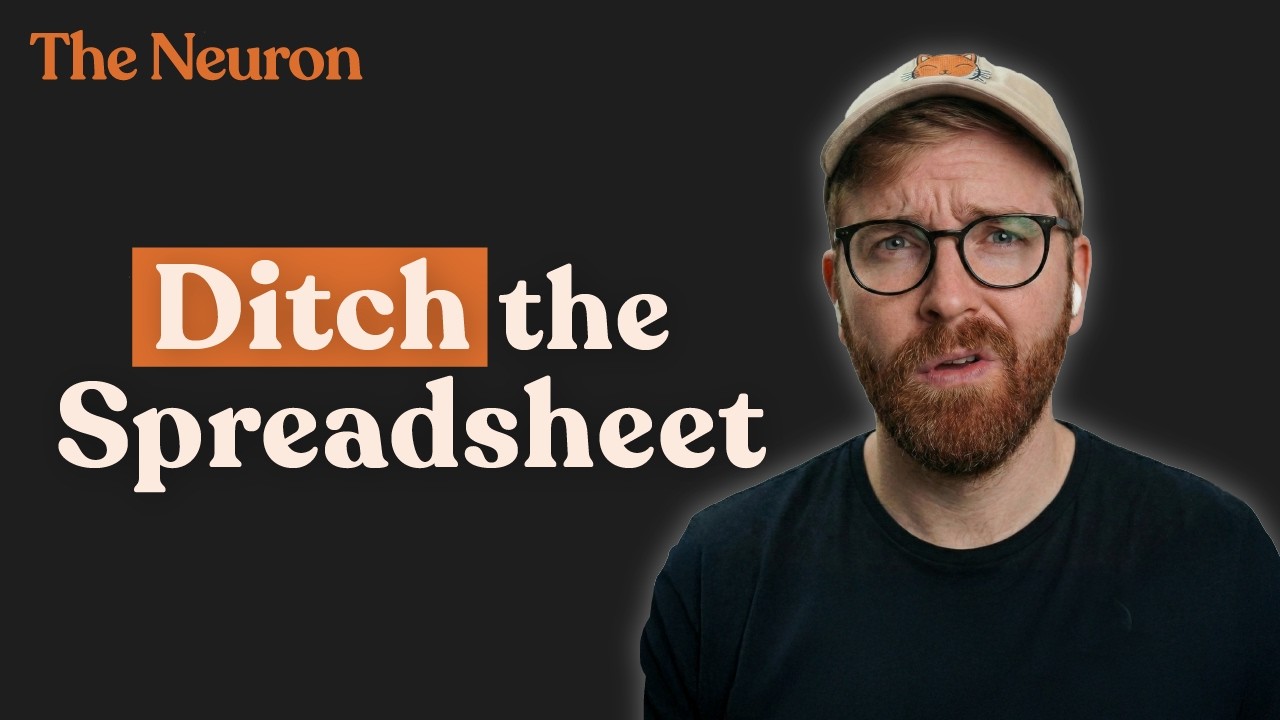
Click to watch on YouTube.
TL;DW: Corey and Grant test Pave by QuickBase by turning a messy spreadsheet into a lightweight CRM and project tracker.
Why you should watch: This is a practical test of whether an AI app builder can understand messy starting data, create tables, add dashboards, support roles, and publish something people can work in.
YouTube: Watch Here
Pave by QuickBase: Learn More
One more before you go:
If this ComfyUI episode clicked for you, subscribe to The Neuron on YouTube. We are doing more conversations with the builders, researchers, and operators turning AI from demos into real world workflows and tools people actually need.
Last thing: And if you haven’t subscribed yet, please do! Click the image below to go to our channel and hit “subscribe” to get notified right when new videos go live.

We have a goal to hit 50K subscribers by the end of the year (if not 100K), and we’re less than 30K away! If you like learning about AI, and already watch some of our videos, do us a favor and click here to subscribe today.
Oh, and if only 10% of the people who read this email subscribe, we’ll hit our annual goal, which would be pretty cool. Wanna make our year? Click it!
Stay curious,
The Neuron Team
 | That’s all for today, for more AI treats, check out our website.
|

P.P.S: Love the newsletter, but don’t want to receive these podcast announcement emails? Don’t unsubscribe — adjust your preferences to opt out of them here instead.